Getting Started
Introduction
Welcome to ReturnNudge — the easiest way for local businesses to bring customers back automatically.
What is ReturnNudge?
ReturnNudge is a customer retention platform designed specifically for local service businesses. It automates the process of keeping in touch with your customers through timely reminders and personal engagement emails, so they come back again and again.
Whether you run an HVAC company, a dental practice, an auto shop, or any other recurring-service business, ReturnNudge helps you stay top-of-mind with your customers — without any manual effort.
How It Works
ReturnNudge works in three simple steps:
- Add your customers — Import your existing customer list or add them one at a time. You can also use Kiosk Mode to let customers register themselves in-store.
- Set up your services — Define the services you offer and how often customers should come back (e.g., every 6 months for an HVAC tune-up, every 12 months for an annual inspection).
- Let ReturnNudge do the rest — The system automatically sends reminder emails when it's time for a customer to schedule their next appointment, and birthday emails to add a personal touch.
Key Features
- Service Reminders — Automatically email customers when their next service is due. Learn more
- Birthday Emails — Send personalized birthday deals to make customers feel special. Learn more
- Broadcast Emails — Send one-time promotional emails or announcements to your customer base. Learn more
- Service History — Track every service completion across all your customers with a searchable, filterable history. Learn more
- Kiosk Mode — Let customers sign up right from your front desk with a tablet-friendly registration screen. Learn more
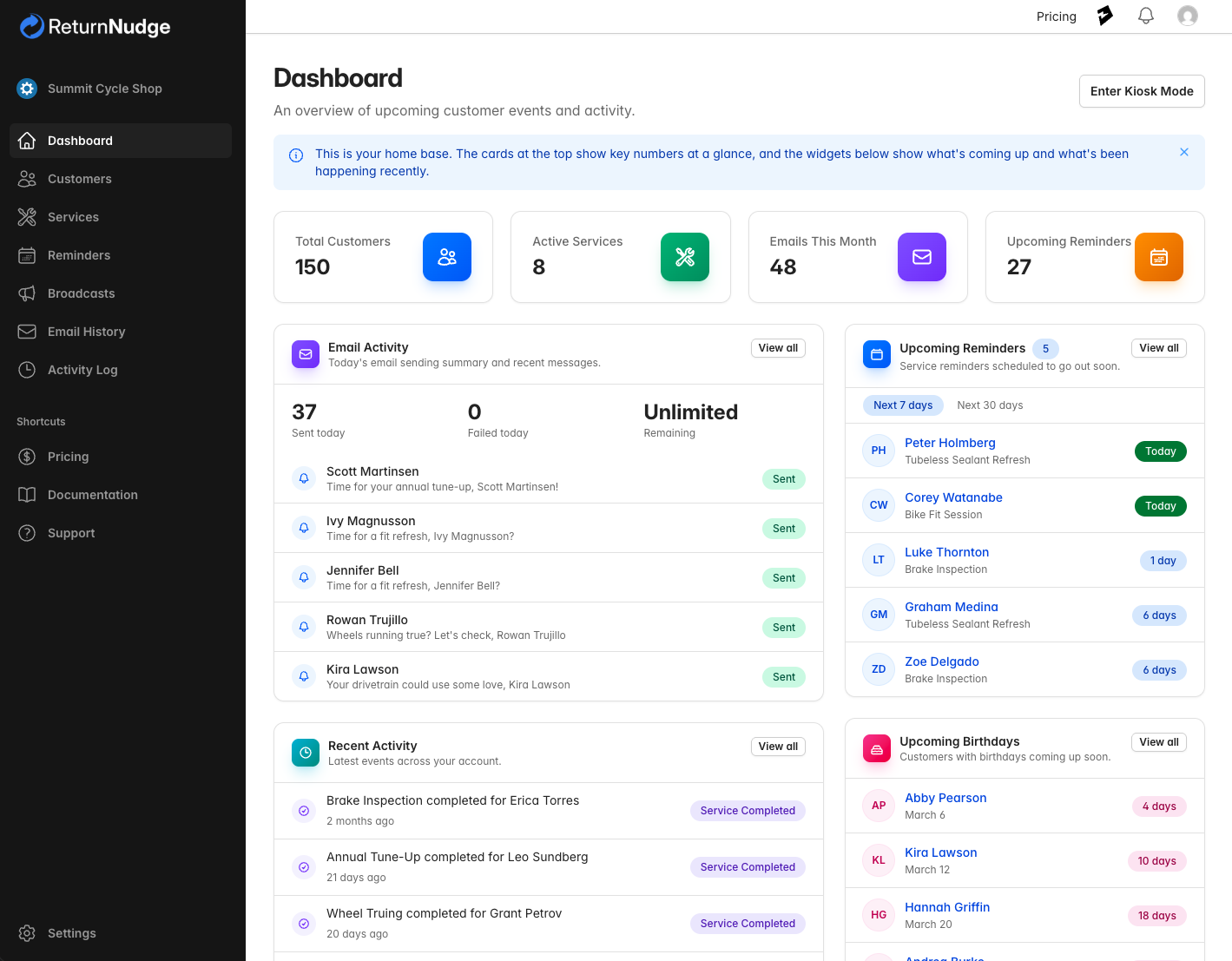
- Dashboard — See your customer activity, upcoming reminders, and email performance at a glance. Learn more
- Team Management — Invite team members and control what they can access. Learn more
Getting Started
If you're new to ReturnNudge, we recommend following the Quick Start guide to set up your account in just a few minutes.
Need help? If you have questions or need assistance, visit our FAQ or contact our support team.